March 24, 2026
YTUI Music
A terminal-based YouTube audio player built with Textual, mpv, and yt-dlp
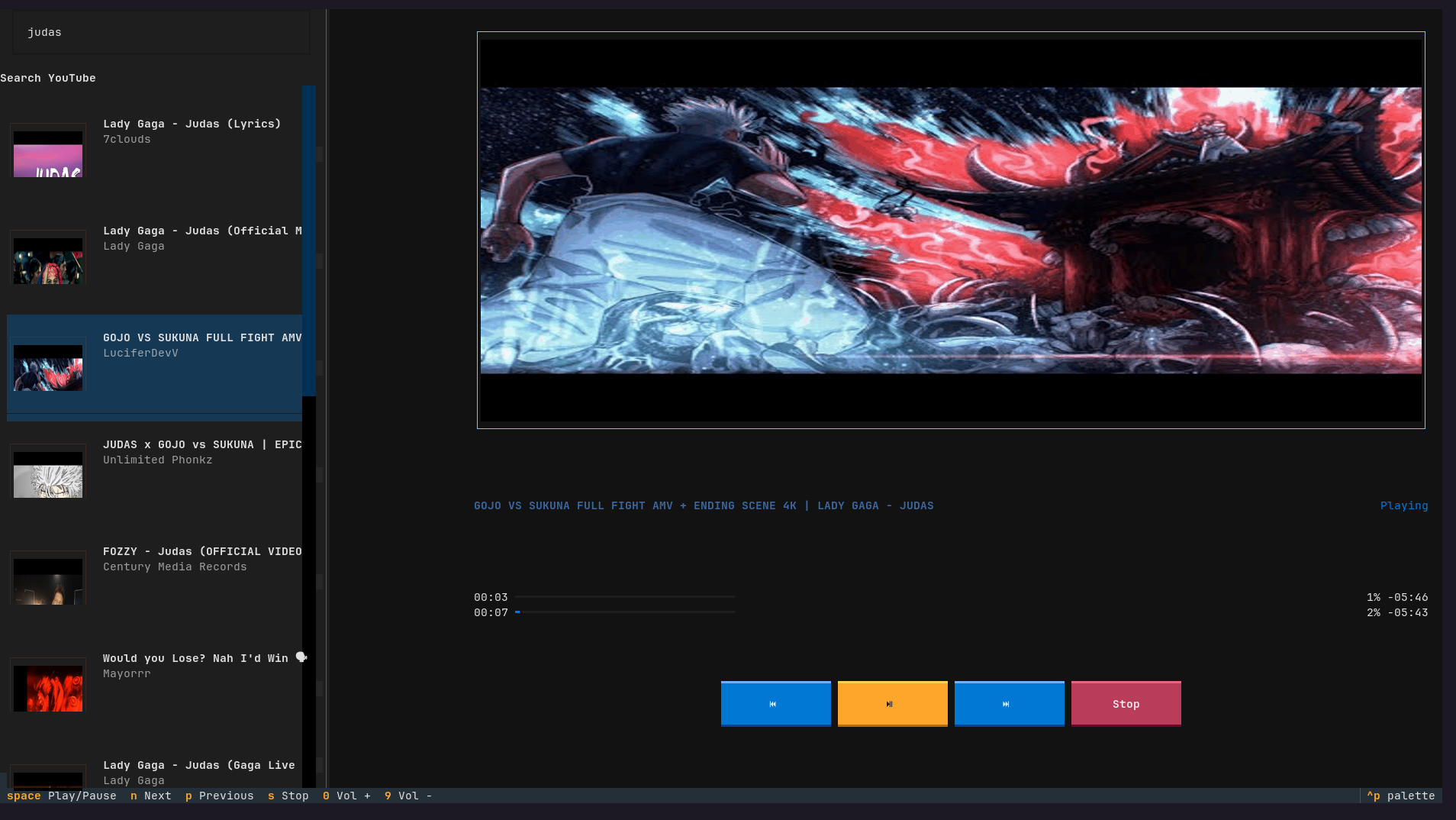
YTUI Music
A keyboard-first, resource-efficient terminal UI YouTube audio player.
Overview
YTUI Music was created to solve the problem of excessive resource consumption when using a browser just for listening to YouTube audio. It provides a lightweight alternative that runs entirely in the terminal, offering familiar mpv-like controls for playback while fetching audio streams directly from YouTube.
The application is designed for users who want to:
- Listen to YouTube audio without browser overhead
- Use keyboard shortcuts for all operations
- Keep their terminal workflow uninterrupted
- Save system resources (CPU, RAM)
Features
- YouTube Search - Search YouTube with inline thumbnails and session caching
- Background Workers - Non-blocking search, thumbnail fetching, and stream resolution
- Playback Controls - Play/pause, stop, next/prev, 10s seek forward/back, volume adjustment
- Progress Display - Elapsed/remaining time, percentage, and playback state indicator
- Toast Notifications - Status messages for errors, seeks, and search completion
- Keyboard-First Design - All operations accessible via keyboard shortcuts
- Thumbnail Caching - Avoids re-downloading thumbnails within a session
Technologies Used
- Python 3.11+ - Core language
- Textual - Terminal UI framework
- textual-image - Image rendering in terminal (Sixel/Kitty/Block support)
- yt-dlp - YouTube stream extraction and search functionality
- python-mpv - Audio playback via mpv media player
- requests - HTTP requests for thumbnail fetching
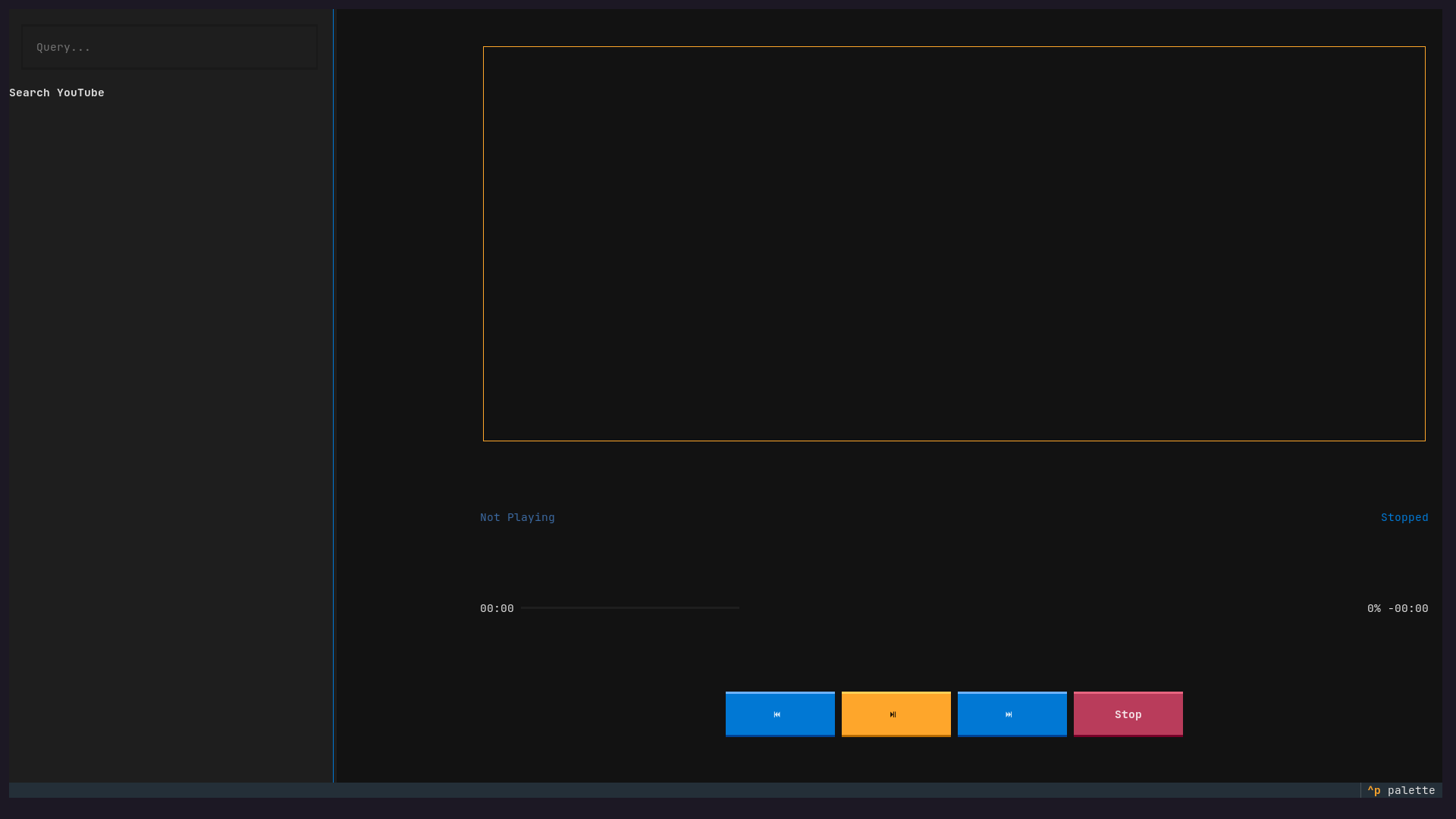
Screenshots
Installation
# Clone the repository
git clone https://github.com/hakimshifat/ytui_music.git
cd ytui_music

# Install system dependency (mpv)
# Ubuntu/Debian
sudo apt install mpv
# macOS
brew install mpv
# Arch
sudo pacman -S mpv

# Install Python dependencies
pip install -r requirements.txt
Usage
# Start the application
python yt.py

# Search for music
Type your query and press Enter

# Play a result
Navigate with arrow keys or n/p, press Enter to play

# Control playback
- Space: Play/Pause
- Left/Right: Seek -10s/+10s
- 0/9: Volume up/down
- s: Stop
- Ctrl+C: Quit
Keybindings Reference
| Key | Action |
|---|---|
Enter | Play selected result |
Space | Toggle play/pause |
Left / Right | Seek -10s / +10s |
n / p | Next / Previous result |
s | Stop playback |
0 / 9 | Volume up / down |
Ctrl+C | Quit |
↑ / ↓ | Navigate results list |
License
GPL-3.0 License