A browser-free listening loop
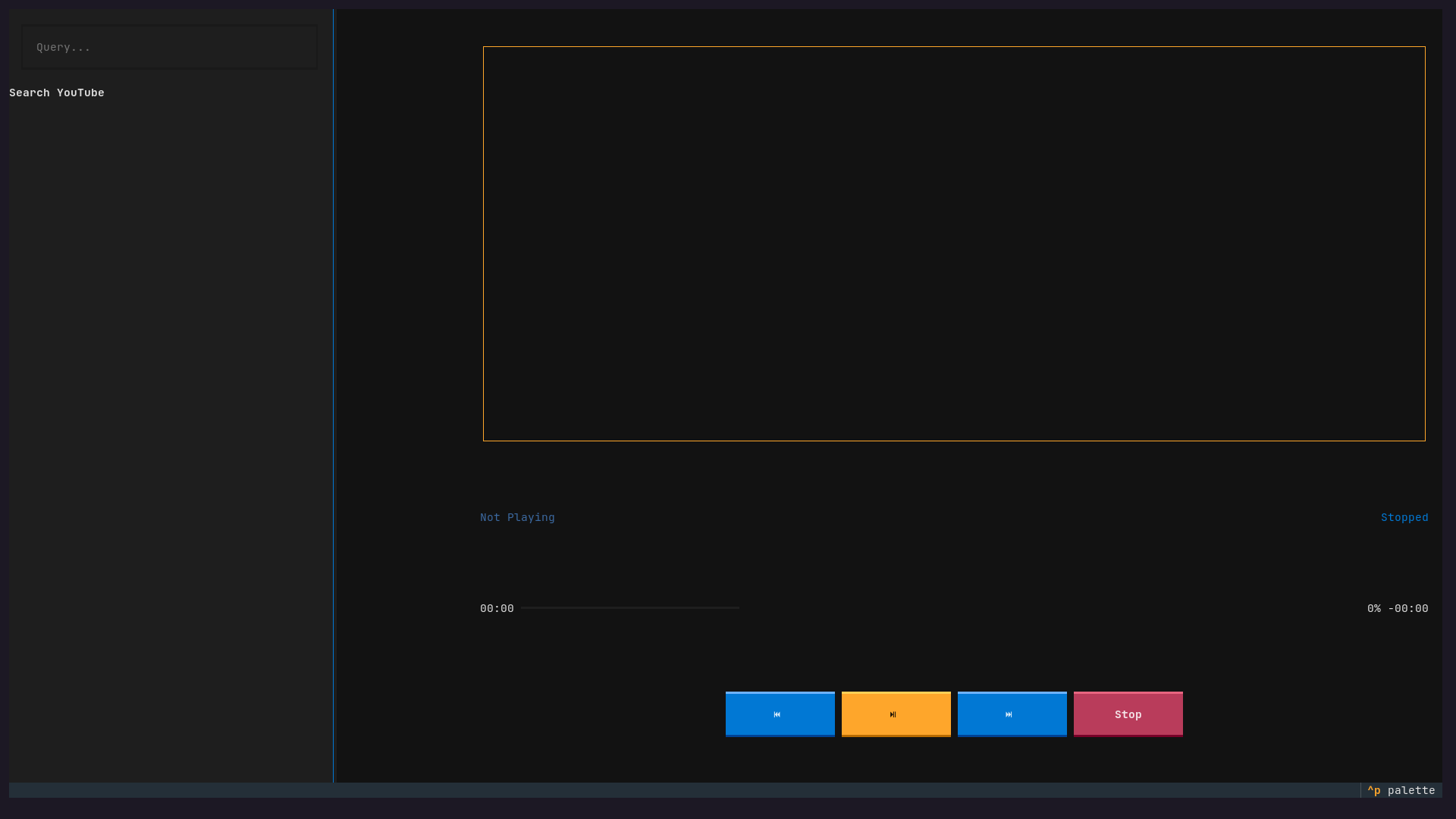
YTUI Music is built around a simple constraint: search YouTube and listen without turning the browser into the product. The interface keeps the useful parts—search, result browsing, thumbnails, playback state, seeking, and volume—inside a compact terminal window.
That constraint changes the interaction design. Keyboard focus matters. A search request cannot freeze the list. The player should not leak mpv-specific calls into every widget. A package that works on one machine is not finished if another Arch user cannot install it predictably.
The architecture is a set of boundaries
Textual app (yt.py)
     │
     ├── search worker ──► utils/search.py ──► yt-dlp
     │
     ├── result widgets ──► thumbnail cache per video ID
     │
     └── audio controls ──► player/audio.py ──► mpv
                                      │
                                      ▼
                              progress + playback state
yt.py owns the application and interaction model. utils/search.py wraps yt-dlp search and metadata extraction. player/audio.py presents a smaller audio-player surface for play, pause, stop, seek, duration, and volume. The widget layer renders search results, thumbnail state, and controls without needing to know how mpv works internally.
What I built
The application supports a two-speed navigation model. Ordinary arrow keys and Enter make the interface discoverable; j, k, g, and G give terminal-native users fast result movement. n and p navigate with autoplay, while Space, s, and the left/right arrows control playback.
| Surface | Implementation detail | User-facing payoff |
|---|---|---|
| Search | Textual background worker around yt-dlp | Network latency does not lock the UI. |
| Results | Dedicated SearchResultItem widgets | More results fit in a small terminal. |
| Images | Thumbnail widget + session cache by video ID | Browsing feels visual without repeated fetches. |
| Playback | AudioPlayer wrapper around python-mpv | Widgets stay independent of player internals. |
| Controls | Progress, elapsed/remaining time, seek, volume | The terminal still feels like a real player. |
| Recovery | Toasts, error logging, continued app session | Network failures do not require a restart by default. |
A small asynchronous decision with a big UX effect
The search path is the most important engineering choice in the project. yt-dlp and network requests are inherently slower than a terminal redraw. Moving that work into a Textual worker keeps the event loop responsive while the result state arrives later.
This is a practical example of separating what the user is doing from when the network finishes. The interface can keep focus and display an error toast without making the user wonder whether the whole application has died.
Packaging is part of the product
The repository includes PKGBUILD and .SRCINFO for Arch User Repository distribution. The README documents Python and mpv requirements, installation, keybindings, troubleshooting, and logging. That is not administrative polish around the “real” code; it is the last mile that turns a personal script into something another Linux user can try.
Evidence map
yt.pydefines the Textual application, actions, keybindings, and worker-backed search flow.utils/search.pyuses yt-dlp for search and metadata extraction.player/audio.pywraps python-mpv playback operations.widgets/search_result.pyrenders result cards.widgets/thumbnail.pyfetches and caches thumbnail imagery.widgets/controls.pyowns playback controls and progress presentation.PKGBUILDand.SRCINFOsupport AUR distribution.README.mddocuments installation, controls, troubleshooting, and logging behavior.
Limits and maintenance reality
YTUI Music requires Python, mpv, network access, and the current behavior of YouTube and yt-dlp. It is a terminal client, not a full music library or streaming service. External service changes can break search or playback, which is why the project keeps troubleshooting and logging visible instead of pretending the integration is permanent.